Hardyproof / Features / Job requests & text quotes
A job request form your customers can fill out from any phone
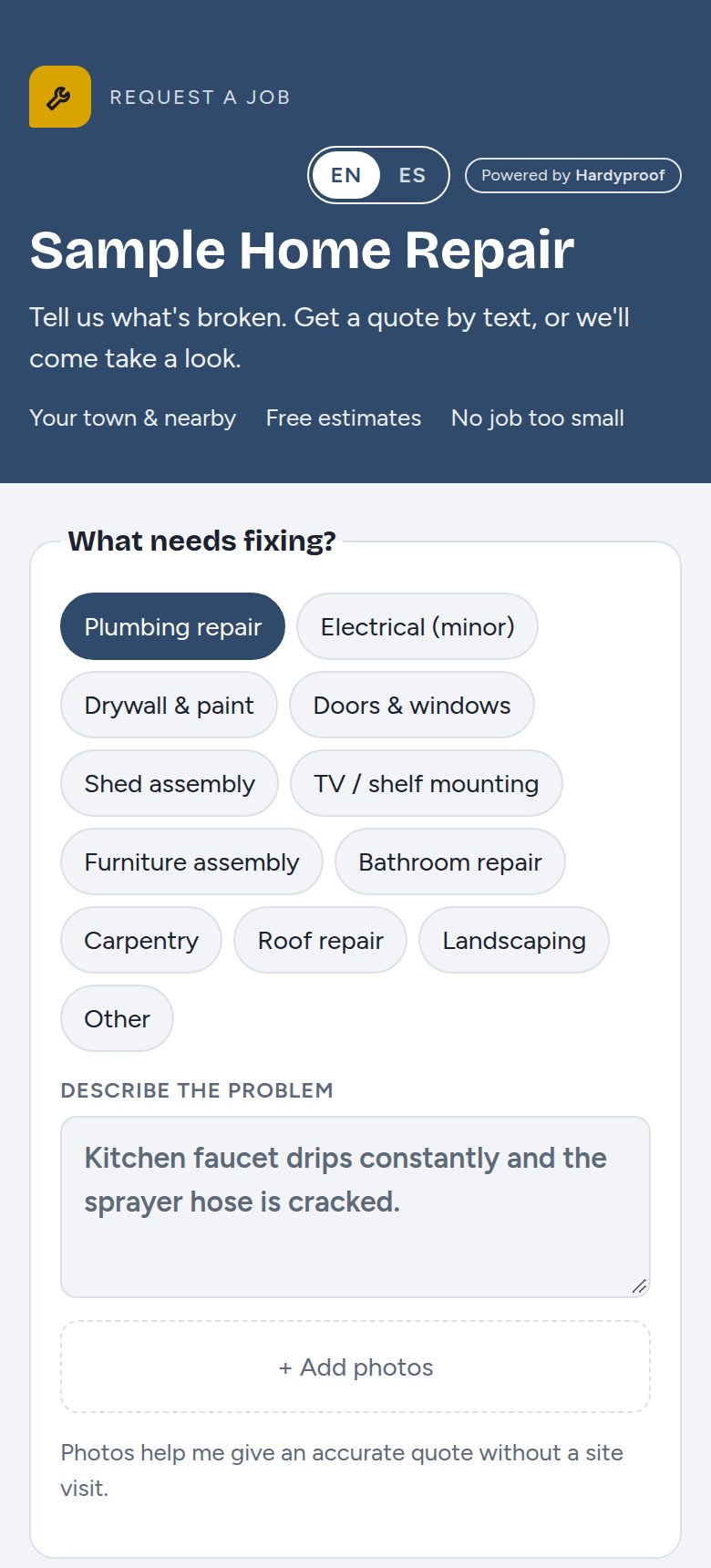
Most jobs start as a text, a missed call or a message buried in Facebook. A request form gives every job the same starting point: what needs fixing, photos, the address and the best time to come by.
How it works
- Share your link
Put it on your truck, business card, Google profile, Facebook page or your text replies.
- The customer fills it out
They pick the type of work, describe the problem, add photos, choose how urgent it is and when you can come by. They can choose a quote by text or a free on-site estimate.
- You quote from your inbox
The job shows up with its own ticket number and photos. Type a price and your phone opens a ready-made text to the customer.
- They follow along
The customer gets a private page that shows the status, your price and what happens next.
What you get
- Your own job typesPick the work you take on, so customers can't ask for jobs you don't do.
- Photos with every requestUp to 4 photos, shrunk for fast loading, with location data removed.
- Quote by text or site visitRequests that need an estimate visit are tagged so you see them at a glance.
- Alerts on your phoneAn email or text the moment a request comes in.
- Add jobs by handFor phone calls and customers who don't text, type the job in yourself.
Getting good requests
- Ask for one wide photo and one close-up. The wide one shows access and surroundings; the close-up shows the damage.
- Keep your job list short. Eight to twelve choices are easier to pick from than thirty.
- Reply the same day, even if it's only to say when you'll look at it. Fast replies win jobs.
- If you can't price it from photos, choose the site-visit option instead of guessing low.
Questions
Do I need a website?
No. The form is its own web page with your name on it. Share the link anywhere.
Do customers need an app?
No. It works in the browser on any phone or computer.
Can I use it with my existing website?
Yes. Link a "Request a job" button to your form.
Try it on your next job
Free for 30 days, no credit card. Or write proposals free forever.