Hardyproof / Features / Crews
Hand out jobs to your crew. Everyone sees only their own.
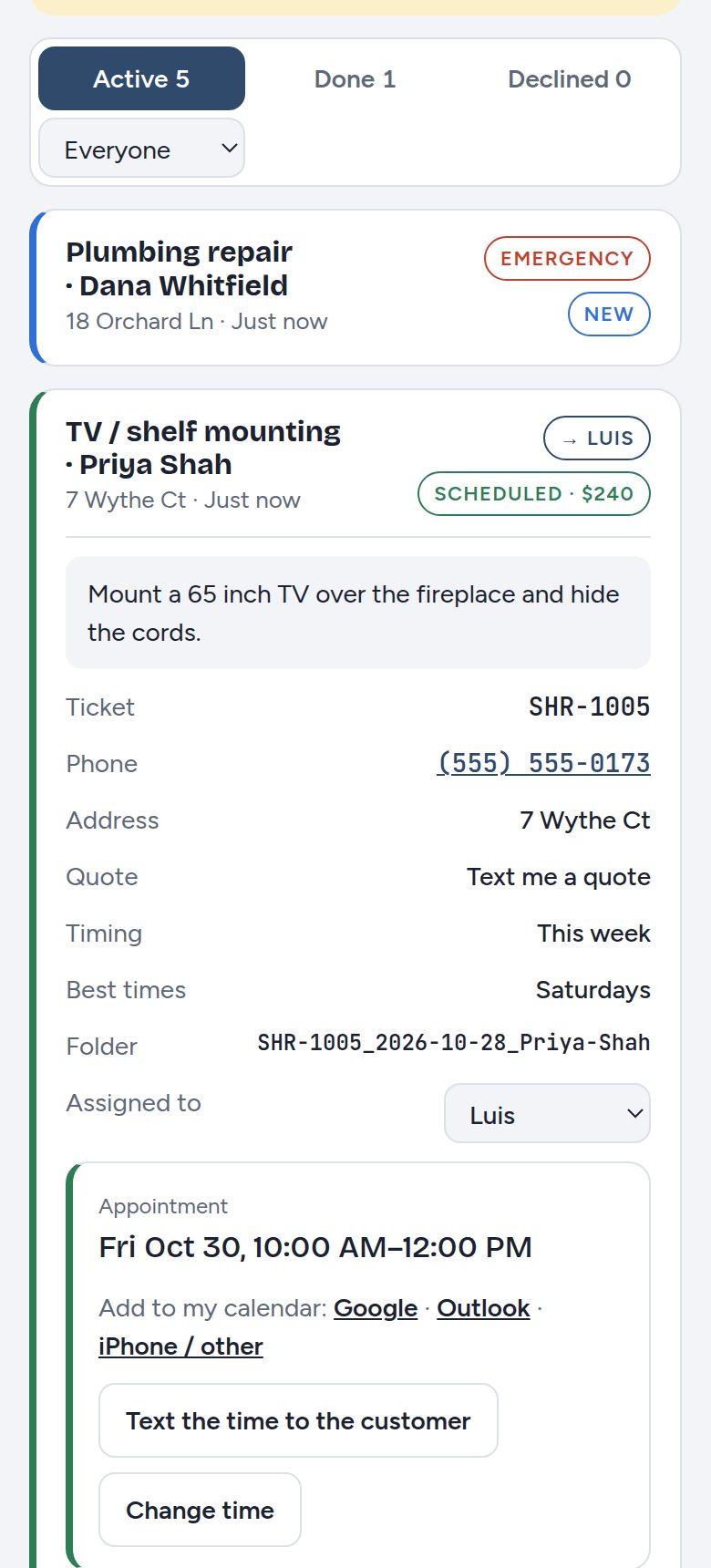
Once there are two trucks, "who's doing the Elm Street job?" becomes a real question. The leader assigns, the crew works, and nobody sees more than they need to.
How it works
- Invite your people
Send each person an invite link. They pick their own email and password.
- Assign the job
Pick a name on the job. Filter the inbox by person to see everyone's load.
- They do the work
Employees see only their jobs. They add notes and photos, text "On my way" and mark the job done.
- You keep the money side
Prices, proposals and invoices stay with you unless you turn on money access for someone.
What you get
- Owner, admin and employee rolesAdmins see everything; employees see only what's assigned to them.
- Per-person switchesCan see prices? Can record cash or checks collected on the job? You choose.
- Job notes and progress photosTime-stamped, with who added them. Private: customers never see them.
- Personal calendarsEach person's calendar shows only their jobs.
- Enforced on the serverHidden buttons aren't the only lock. Employees can't open jobs that aren't theirs.
Running a small crew
- Ask for a photo at the end of every job. It settles most "did they finish?" questions before they start.
- Keep notes on the job, not in texts, so the next person who goes out has the history.
- Turn on money access only for the people who quote or collect.
Questions
How many people can I add?
It depends on your plan. See the plans on the home page.
Can an employee decline or delete a job?
No. Only owners and admins can decline jobs, change prices or delete.
What happens when someone leaves?
Remove them from Account and their jobs go back to unassigned.
Try it on your next job
Free for 30 days, no credit card. Or write proposals free forever.